Free
$0
- 6 Color Looks & 3 grading presets
- Magic Remove, Enhance & local editing tools
- Starter templates, frames & stickers
- Ads
- Basic export
Photo Editor
Edit, grade, remove, retouch, and transform your photos with CamCam — all on your phone.
For iPhone · iOS 17 or later


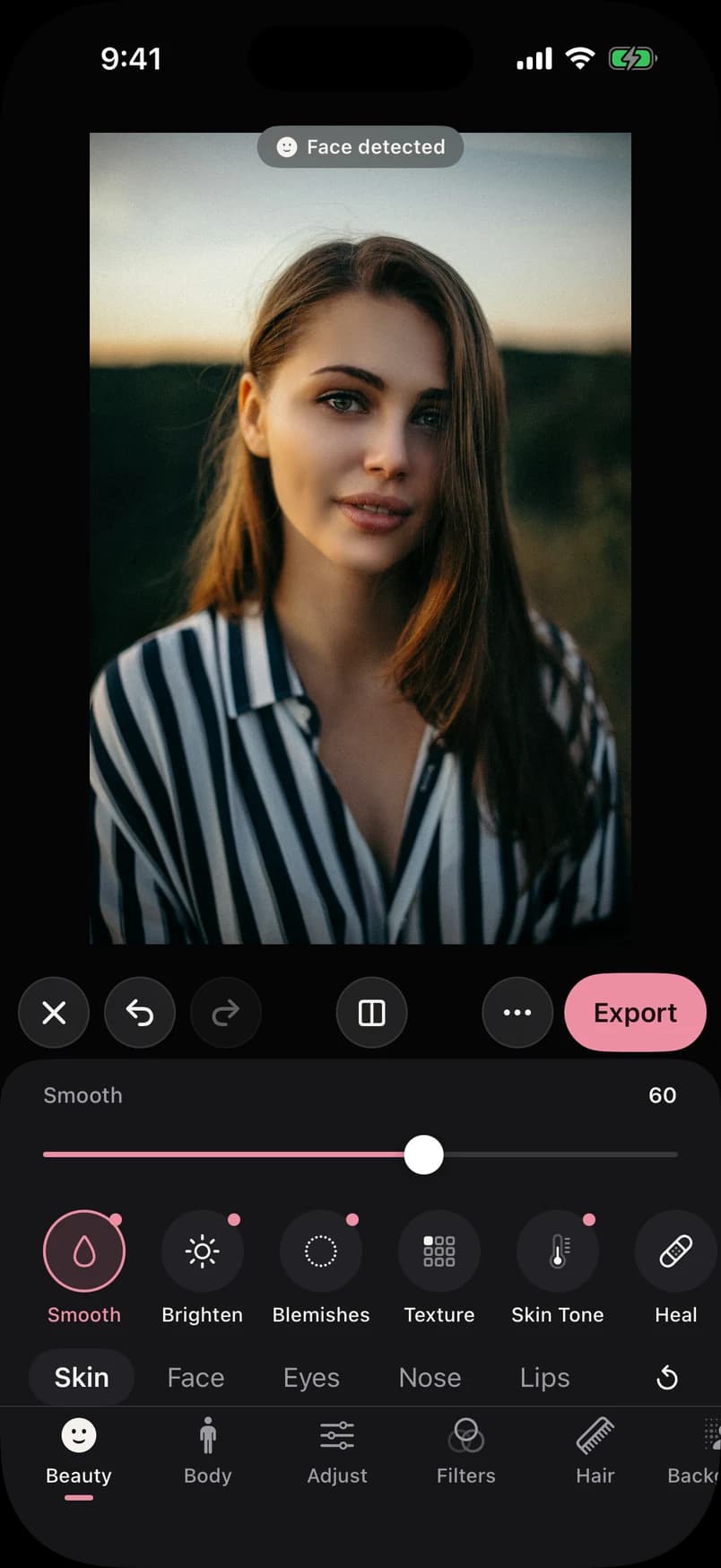
Beauty
Smooth skin, even out tone and soften blemishes while keeping real skin texture. Every slider starts subtle — you decide how far to go.


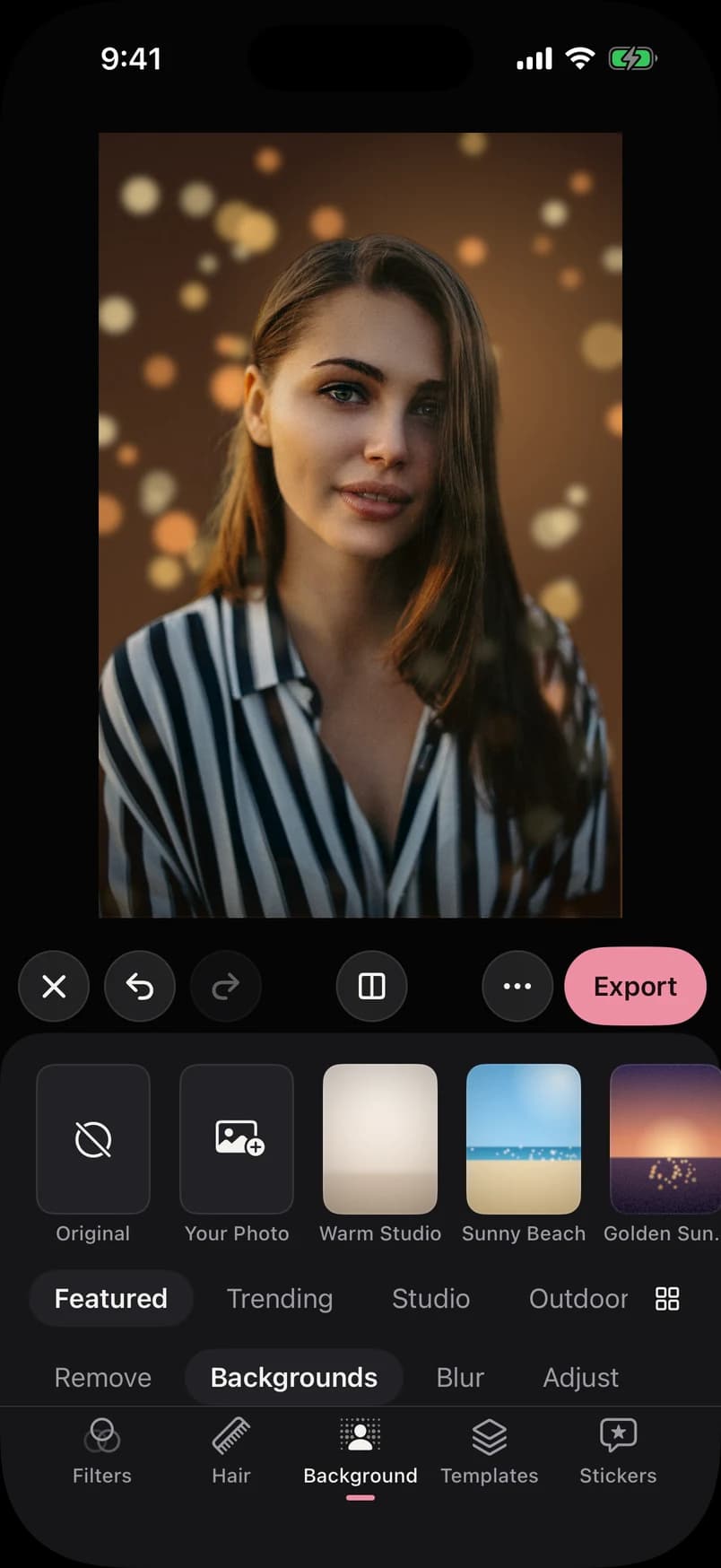
Background Studio
Replace, blur or remove the background. The subject is separated on device, edges are refined, and light is matched to the new scene.

Try a scene
Automatic subject detection
The person is found on device and separated from the scene.
Hair & edge refinement
Edges are refined and cleaned of the old background's color.
Lighting matching
Color and light shift toward the new scene, with a soft light wrap.
Natural compositing
A contact shadow grounds the subject in its new environment.
Adjustable placement
Drag to reposition, pinch to resize, fine-tune with sliders.
Depth control
Blur the new background for a natural depth of field.
Background Library
Original scenes designed for portraits — studios, living rooms, cafés, beaches, sunsets and more. Or use a photo of your own.





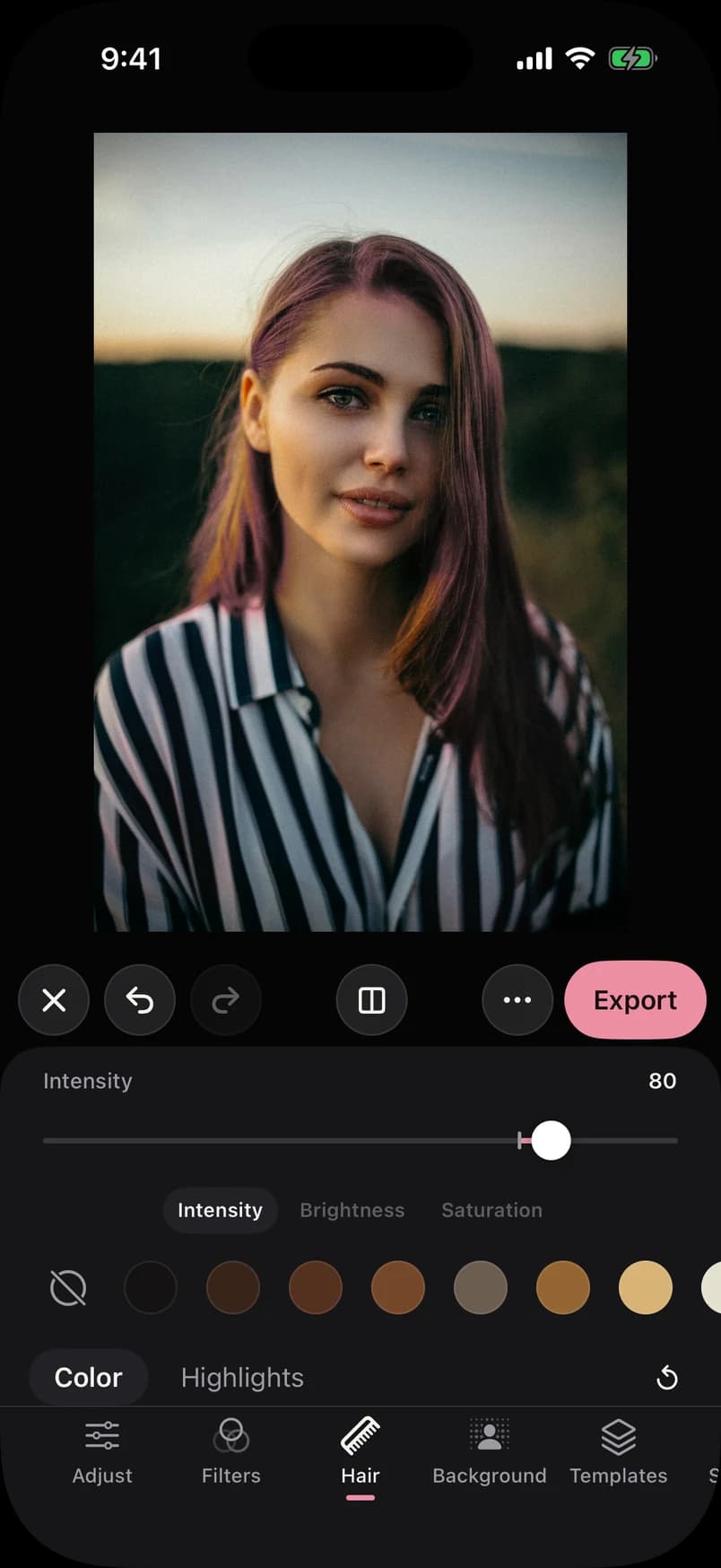
Hair Color
Recolor hair with realistic shades that keep highlights, shadows and strand detail. Adjust intensity, add highlights or pick any custom color.
Shade · Copper
Hair is detected automatically on device. Results are best where hair stands out from the background.

Color & Quick Fix
Original film and cinema looks, shadow-to-highlight grading and Magic Remove — all processed on your device. Nothing is uploaded, and nothing changes until you apply it.


CamCam Pro
25
Original Color Looks
plus grading presets & more
Filters & Pro Editing
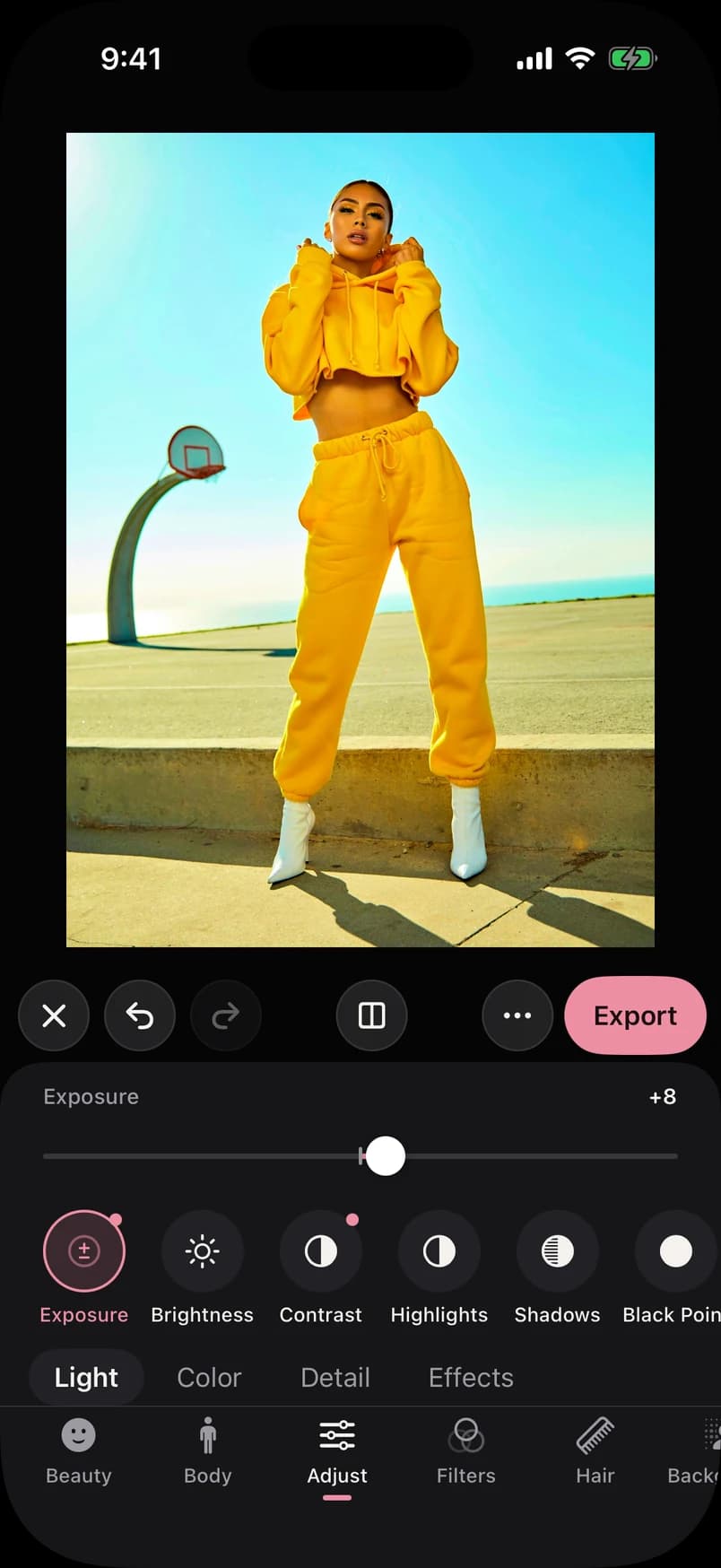
Curated filters for a quick look, and a full set of pro adjustments when you want control over every detail.
Precise adjustments
Light, color and detail controls with live preview.
Non-destructive
Your original is never changed. Every edit can be revisited.
Undo & redo
Step back through your full editing history at any time.
Create
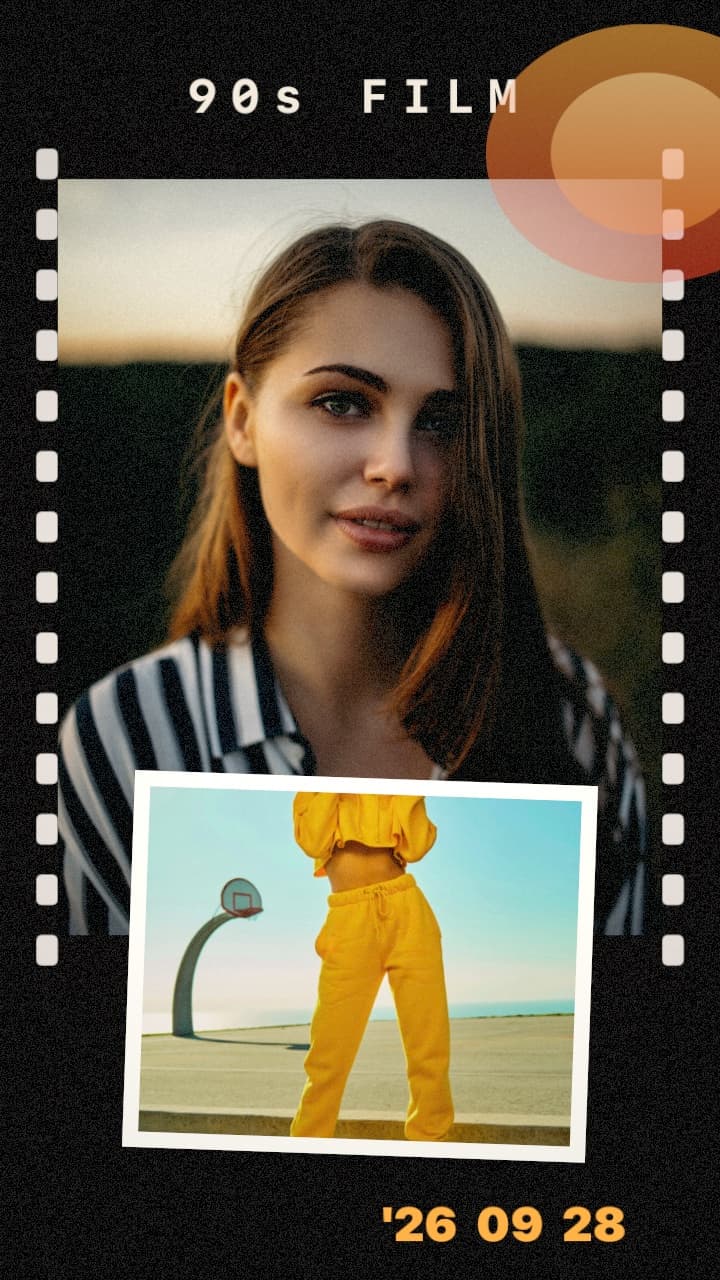
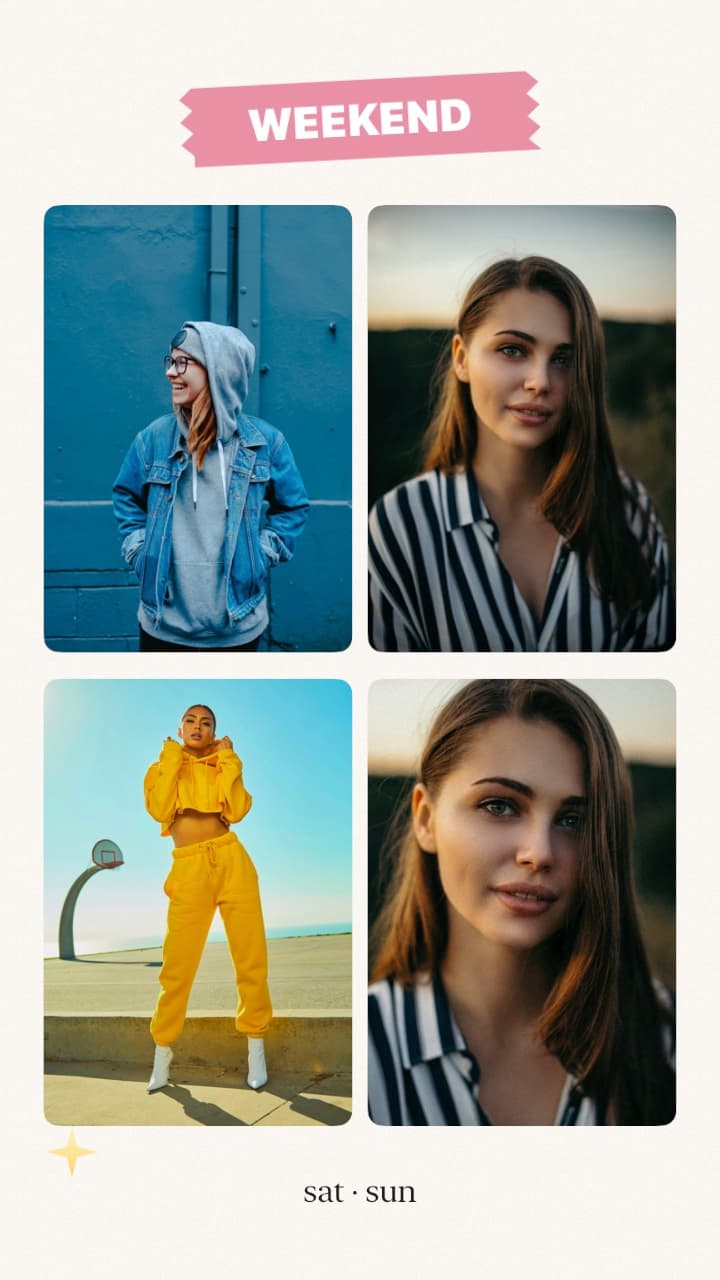
Templates, scrapbook pages, frames and sticker packs — original designs, ready for posts, stories and photo dumps. Pick one, add your photos, then adjust every photo, sticker and word before you export.
24 templates · 12 scrapbook styles · 26 frames · 13 sticker packs

Film Diary
3 photos
90s Film
2 photos
 PRO
Y2K Flash
3 photos
 PRO
Tokyo Diary
2 photos
 PRO
Seoul Cafe
2 photos

Summer Memories
3 photos

Travel Journal
3 photos

Photo Dump
6 photos
Weekend Dump
4 photos

Birthday Memories
2 photos
 PRO
Date Night
2 photos

Best Friends
3 photos
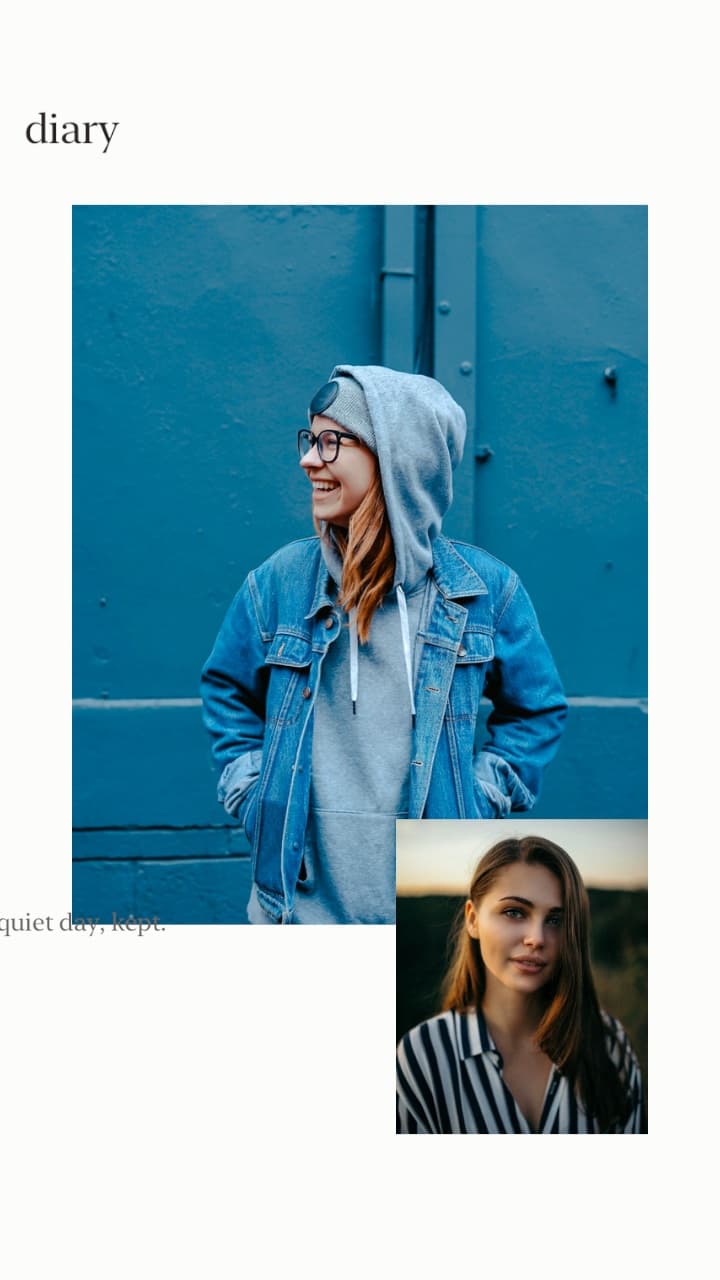
Minimal Diary
2 photos
 PRO
Vintage Journal
2 photos

Golden Hour
1 photos
 PRO
Night Out
3 photos

Cafe Memories
3 photos
 PRO
Monthly Recap
6 photos

Polaroid Diary
3 photos
 PRO
Moodboard
5 photos

Triptych
3 photos
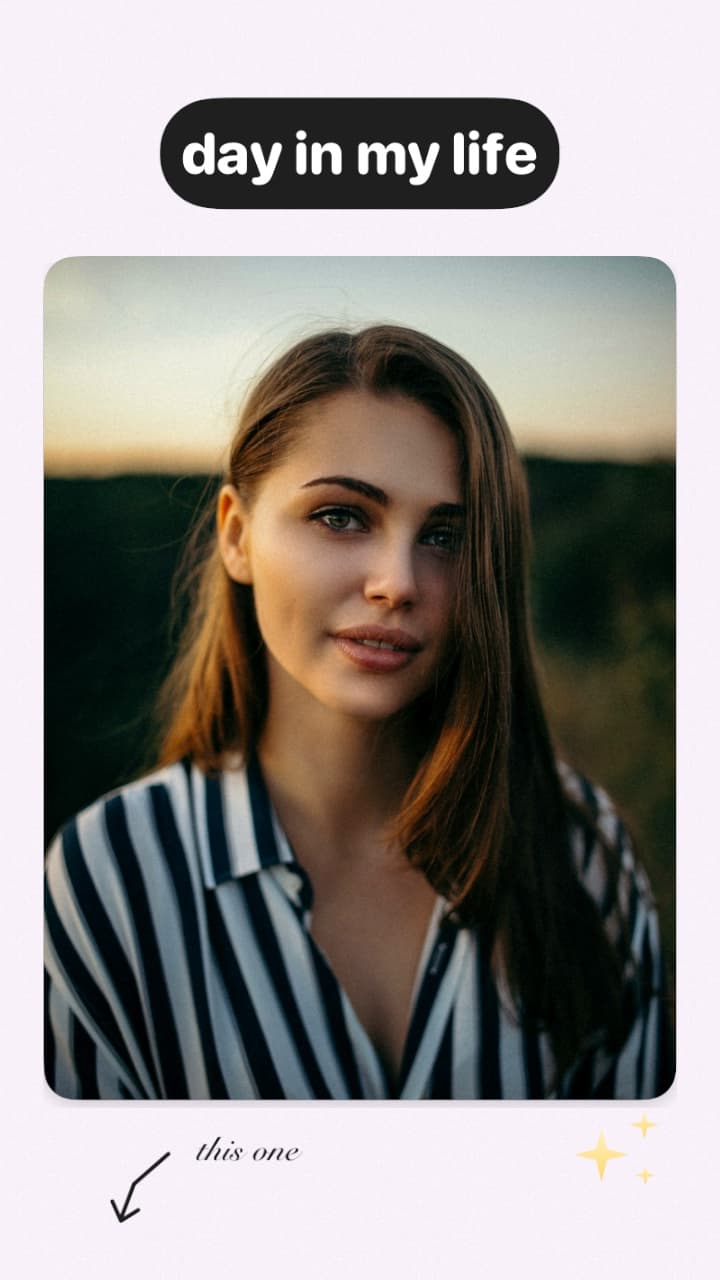
Day in My Life
1 photos

Photo Booth
4 photos
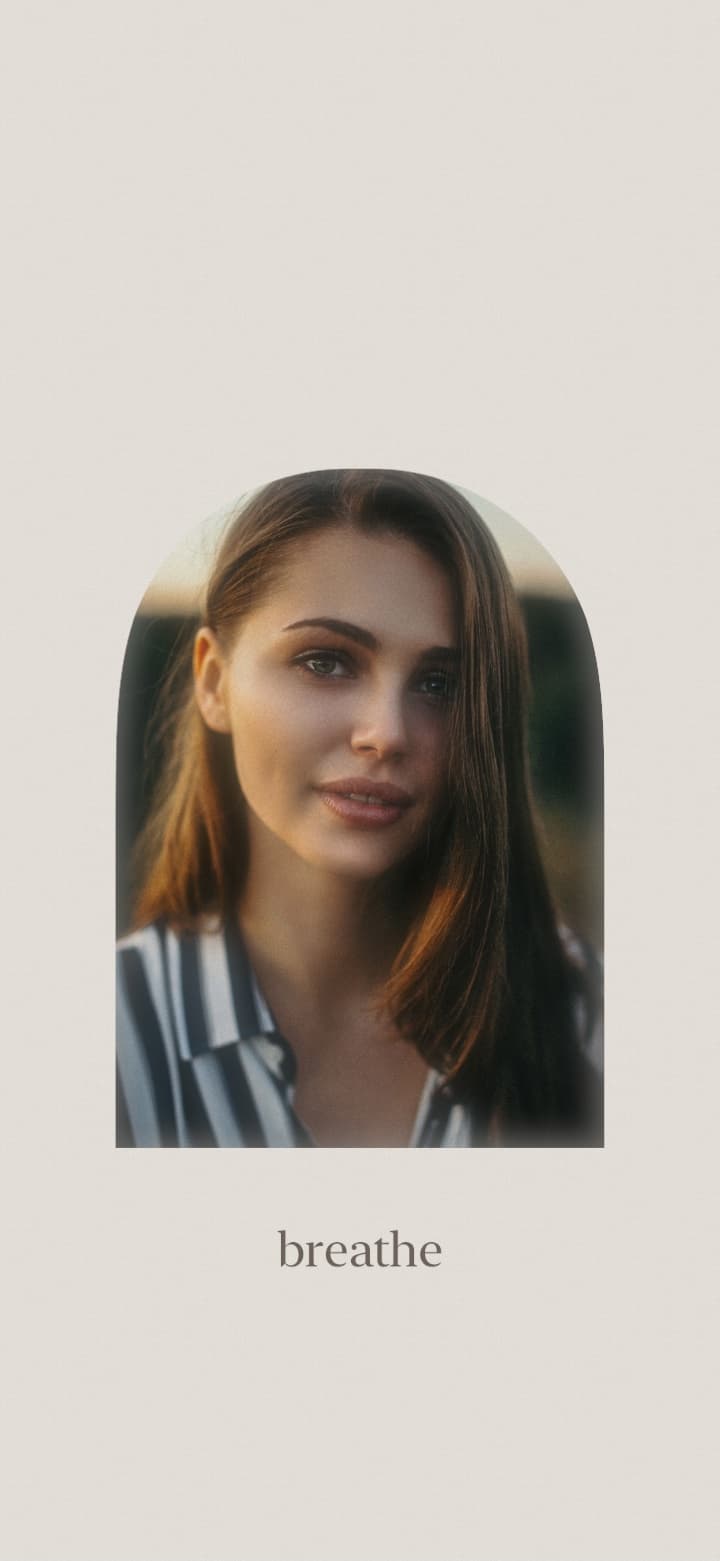
Calm Wallpaper
1 photos
Stickers & Text
Original sticker packs — film diary, Tokyo trip, Seoul café, Y2K, tape and more. Every sticker and word stays an editable layer: move, resize, rotate, reorder and change opacity until you export.









Before & After
Drag each slider. Every result below was rendered by CamCam's own editing engine.
Beauty retouch

Background replacement

Hair color
Pricing
Every Color Look, premium backgrounds and templates, HD & 4K export, and no ads.
$0
$79.99/ year
or $12.99 / month
Prefer to pay once? CamCam Pro Lifetime unlocks everything forever — one payment, no renewals. The price is shown in the app.
Prices in USD; your store price may vary by country. Subscriptions renew automatically and can be cancelled anytime in your App Store or Google Play account settings. Lifetime is a one-time purchase with no renewals.
Privacy
CamCam is built to do its work on your device, and to ask for as little as possible.
Edited on your phone
Color Looks, grading, beauty, hair, background, Magic Remove and every other editing tool process your photos on your device. Nothing is uploaded.
You choose the photos
CamCam opens only the photos you pick or take. To save, it asks only for permission to add to your library.
Ads stay out of the way
The free version shows Google AdMob banners only in secondary screens — never over your photo, and never with your photos. CamCam Pro removes them.
No account needed
Start editing right away — no sign-up, no profile and no sign-in.

Professional photo editing, without the complexity.